Launch your website in under an hour
Chapters
Shortcuts
- Space or Kplay and pause
- Left and Rightback and forward 5 seconds
- J and Lback and forward 10 seconds
- , and .step one frame
- Shift + , and .slower and faster
- 0 to 9jump to that tenth
- Ffullscreen
- Mmute
- Ccaptions
Shortcuts stay out of the way while you are typing a note.
Lesson notes and steps
The written version of this session, with the commands and templates to copy.
You do not need a web developer or a paid site builder to put a professional website online. In this lesson you will go from zero to a published, working site using free tools and AI to write your content. By the end, you have a real URL you can hand to customers or donors.
What these sites can look like
A live URL does not have to look like a template. Open any of these. They are real pages.
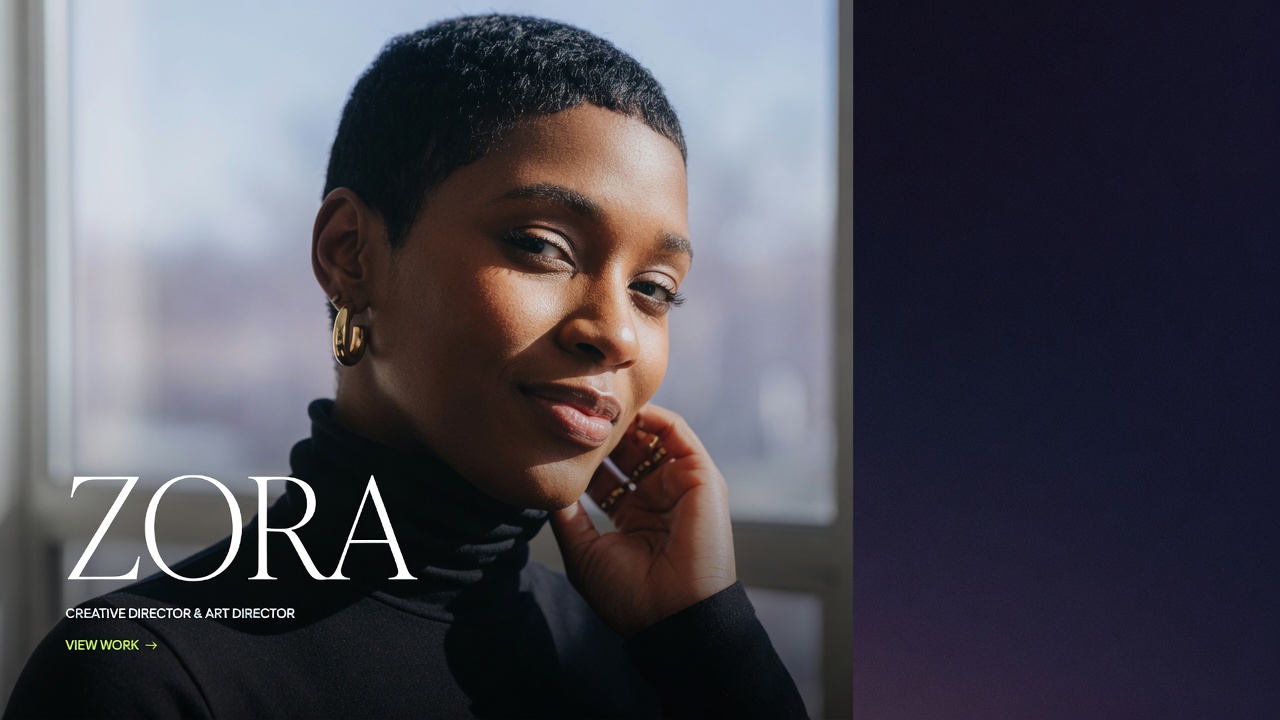
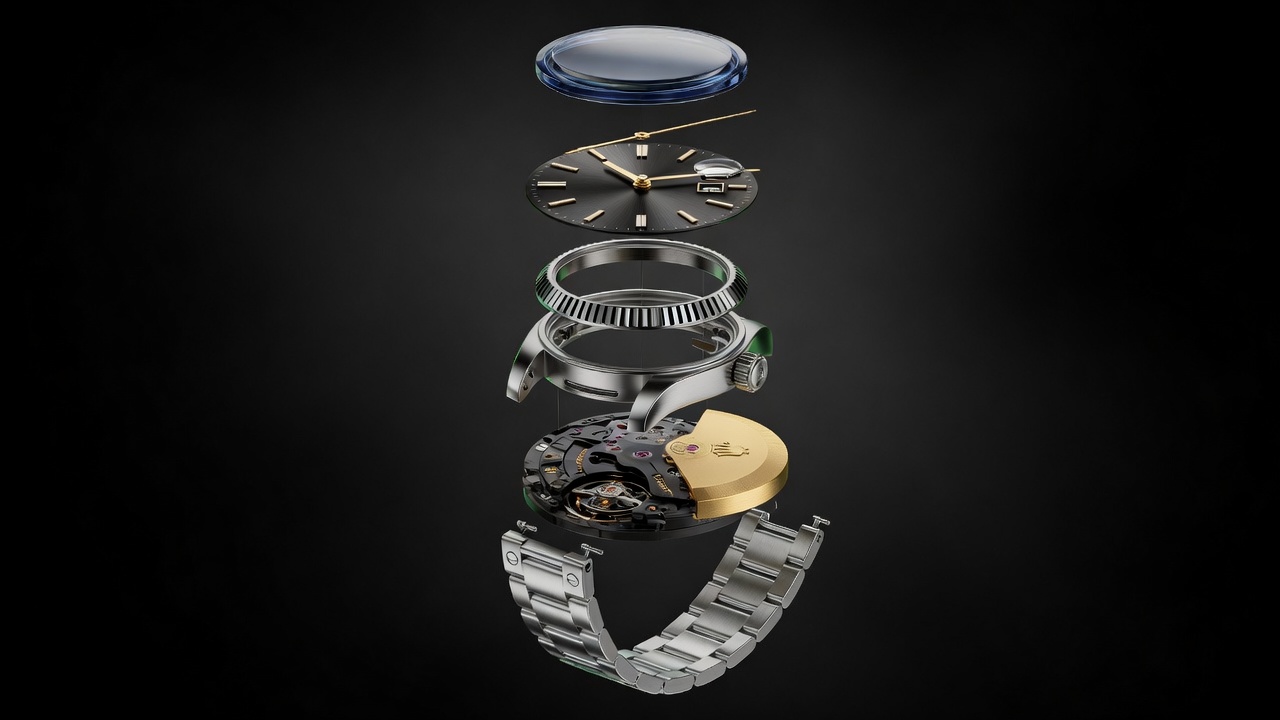
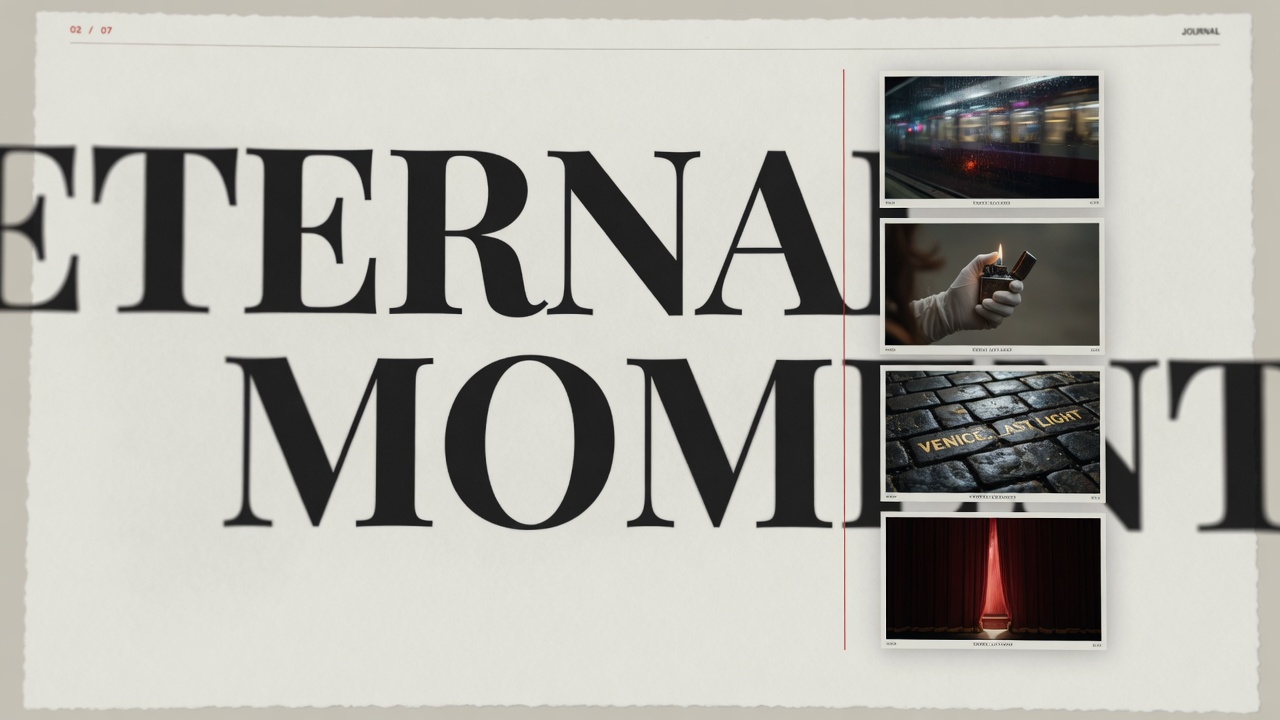
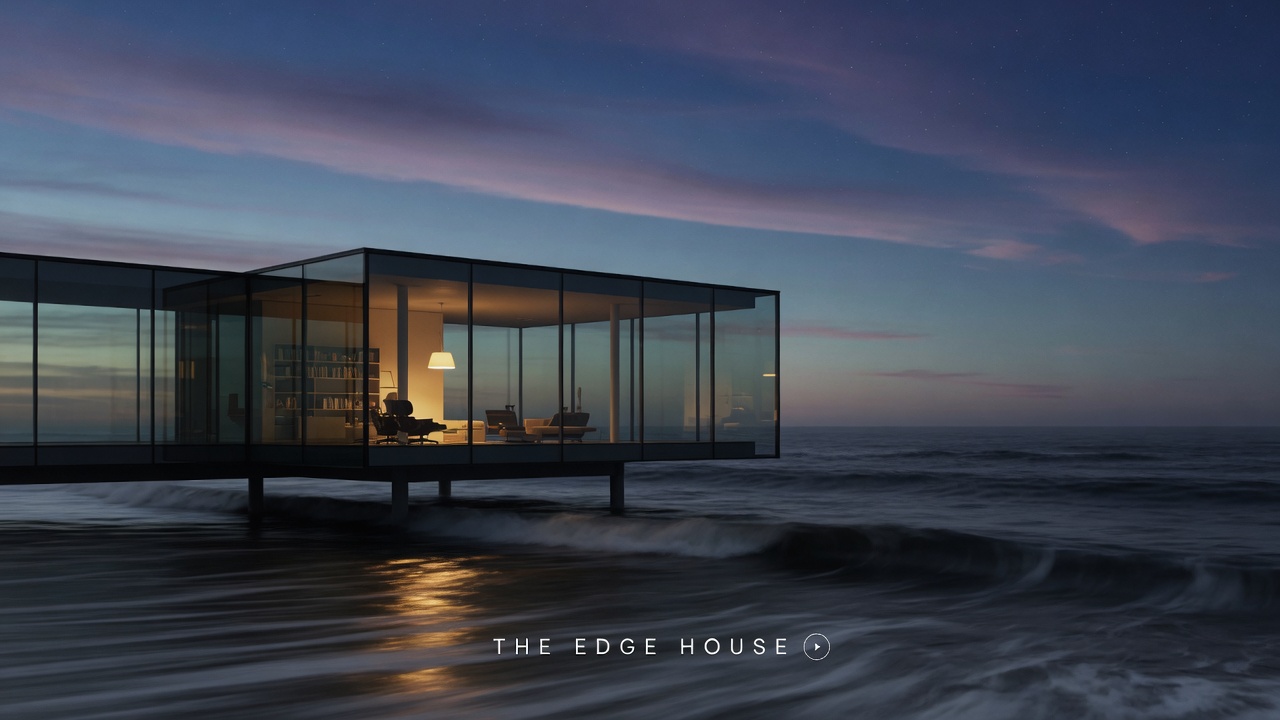
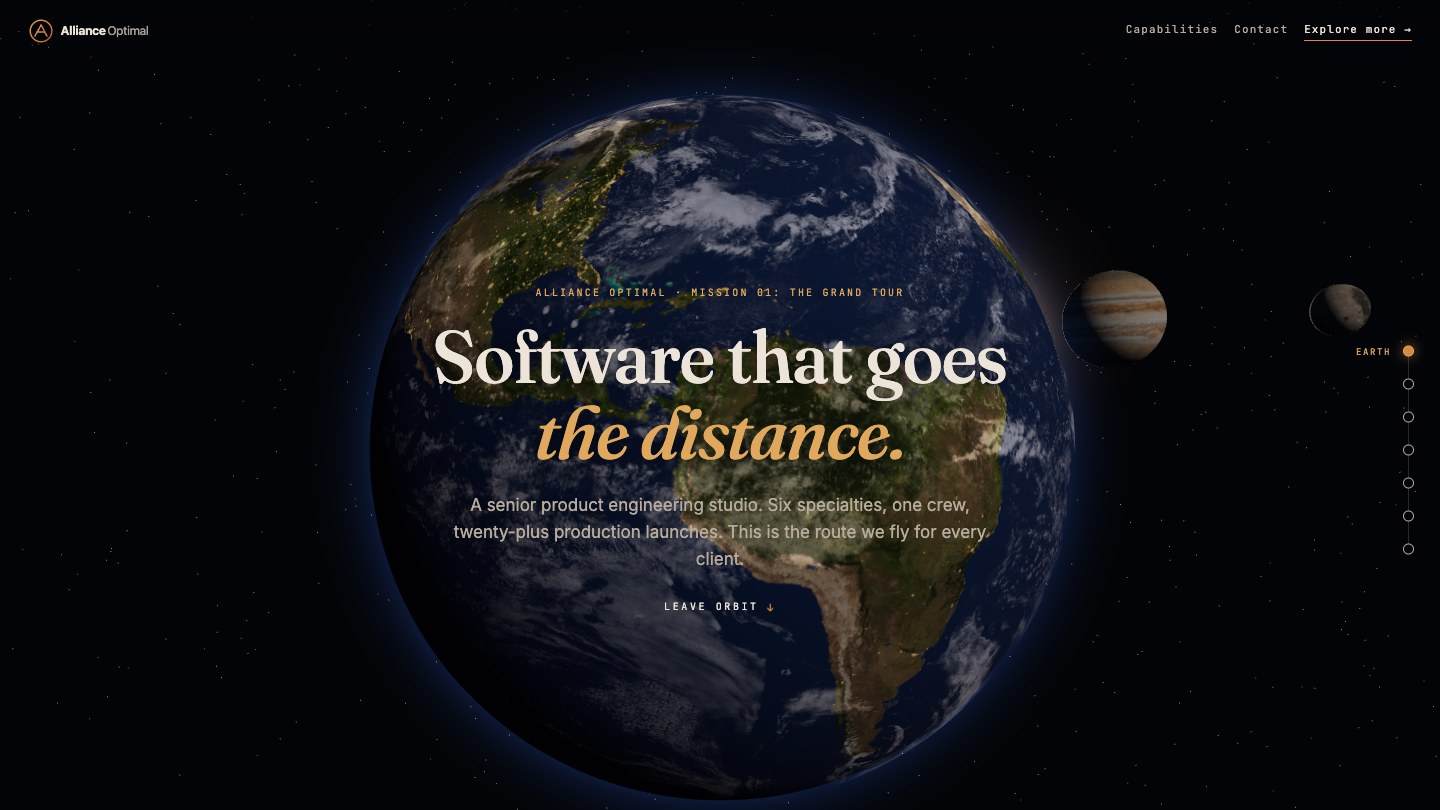
The face-forward video hero and the cinematic still are the kind of one-pager you can ship in this lesson (a strong portrait or landscape, almost no UI, one button). The exploding watch and the long scroll are the ceiling: catalog-grade 3D product viz and anime.js-style motion, which you build with an AI coding agent once you have one (next free lesson). Alliance Optimal is a live example of that longer scroll, in production.
What you will use
- Carrd.co (free plan, unlimited pages on one site)
- ChatGPT or Claude (free tier, for writing copy)
- Cloudflare Pages (optional, if you want a custom domain for free)
Step 1: Decide on your single goal for the site
Before you touch any tool, answer one question: what is the one thing you want a visitor to do when they land on this page? Examples include booking a call, filling out a contact form, or donating. Write your answer in one sentence and keep it on screen while you build.
A focused goal means a focused site. You are not building a multi-page portal today. You are building one page that does one job well.
Step 2: Open Carrd and pick a template
Go to carrd.co and create a free account. Click "Build a Site" and choose the "Landing Page" category. Pick any template that has a headline, a short paragraph, and a button. Do not worry about fonts or colors yet. The structure is what matters.
Carrd templates are fully drag-and-drop. Every block of text is editable with a single click.
Step 3: Write your copy with AI
Open a new chat in ChatGPT or Claude (free tier). Use this prompt:
"I run a [type of business or organization]. My website has one job: get visitors to [your goal from Step 1]. Write a headline (under 10 words), a subheadline (under 20 words), and three short bullet points that explain the value. Keep the language plain and direct."
Paste the output into your Carrd template. Replace the placeholder text block by block. Do not edit more than one section at a time or you will lose your place.
Tip: If the AI output feels generic, add one specific detail about your business in the prompt. For example: "We serve families in the Philadelphia area" or "Our nonprofit has placed 200 volunteers since 2019."
Step 4: Add a call-to-action button and a contact method
Your site needs exactly one button. Set its label to a verb phrase that matches your goal: "Book a Free Call," "Get in Touch," or "Donate Now." For the link, use a direct email link (mailto:you@yourdomain.com) or paste in a Calendly link if you already have one.
Do not add a contact form on this pass. A mailto link works immediately, has no third-party dependencies, and never breaks. You can upgrade to a form later.
Step 5: Publish your site
Click the "Publish" button in Carrd. Your free site gets a URL like yourname.carrd.co. That is a real, working website. Share it today.
Optional custom domain: If you own a domain (or buy one through Cloudflare for about 10 dollars per year), add a CNAME record pointing to Carrd following their instructions. Carrd supports custom domains on their paid plan (check their current pricing at carrd.co). That is still far below a web designer retainer.
You are done when...
You can open your site URL on your phone, see your headline and button, tap the button, and reach your email inbox or booking page. That is a complete, functional website. Send the link to someone you trust and ask if the page makes sense within 10 seconds.
Template included: Members get a pre-filled Carrd template with placeholder sections for a service-based business and a nonprofit version, plus the AI prompt pack used in Step 3. Find it in your member dashboard under "Templates."
Want it done for you?
Short on time? Agentic Quarks will implement this end to end, wired into your stack, and hand you the keys.
Narration transcript (what the video says)
You do not need a web designer or a paid site builder to go live today. In this lesson you pick a free template, write your copy with AI, add one button, and publish. By the end you have a real URL to share.
Before you touch any tool, decide the one thing a visitor should do on your page: book a call, fill out a form, or donate. Write that goal in one sentence and keep it visible while you build. One page, one job, done well.
Go to carrd.co and create a free account. Click Build a Site, choose the Landing Page category, and pick any template with a headline, a short paragraph, and a button. Skip fonts and colors for now. Every block is editable with a single click.
Open a free chat with ChatGPT or Claude and describe your business and your goal. Ask for a headline under ten words, a subheadline under twenty, and three plain bullets. Paste the output into your template, one section at a time.
Your site needs exactly one button, labeled with a verb phrase that matches your goal, like Book a Free Call or Donate Now. Skip the contact form for now. Link the button to a direct mailto address instead. It works instantly and never breaks.
Click Publish inside Carrd. Your free site goes live at a URL like yourname.carrd.co, a real working page you can share today. If you own a domain, or buy one through Cloudflare, add a CNAME record later for a custom address instead.
A live URL does not have to look like a template. Today you ship a strong photo, one headline, one button, almost no UI. Full cinematic scenes and long scrolls are the ceiling, built later with an AI coding agent.
You are done when you can open your site on your phone, see your headline and button, tap it, and land in your inbox or booking page. Send the link to someone you trust. Members, grab the template and prompt pack in the vault.
You now have a real website, live today, for free. Update your copy anytime you regenerate a prompt. Next session, you build a customer portal so people can log in, check their status, and message you directly, right from the site you just launched.
What you will build in Your Website
Launch it free, then grow it into a portal
2 sessions, 5 min of video, about 1.9 hours to do, 1 free.
- 01Launch your website in under an hourFree2:29 videoYou are here
- 02Build a custom customer portalMember2:34 video
Cancel anytime from your account page, and a 14-day money back on your first month that you trigger yourself. Prefer to pay once? Lifetime All-Access is $399.
By purchasing you agree to the Terms and the Refund Policy.